

Steam Wallet Code
Description
About Steam Wallet Code
How to Buy: Steam Wallet Code
Select your Region/Currency.
Choose the Denomination you want.
Pay via GCash, Maya, QRPH, USDT, or Bank Transfer.
Receive your digital code on the order page and by email.
Important
- ✅ Codes are region locked. Pick the correct region.
- 🔒 We never ask for your Steam password or OTP.
- ⚡ Delivery time is 1 to 5 minutes after payment.
- 🧾 One time use only.
- 🚫 Delivered codes are non refundable.
Why Gamers Choose GPDS Game Shop
- 🛡 Trusted seller since 2018
- 💰 Discounted Steam Wallet Codes daily
- ⚡ Fast digital delivery
- ✅ Secure checkout
- 🌟 Read Trustpilot reviews
- 🌐 Visit gpdsgameshop.com
About Steam Wallet Code
GPDS Game Shop delivers Steam Wallet Code orders fast with digital delivery. Buy the code for your correct region and redeem it on the Steam app or website. Customers in the Philippines use us for cheap Steam Wallet codes, instant code delivery, and secure payment methods. Choose your denomination, pay, then copy the code and redeem it under Account, Redeem a Steam Gift Card or Wallet Code.
How To Order
How to order Steam Wallet Code
How to redeem CD Keys on Steam
Log in to your Steam.
At the top-left of your steam client, Click on the 'Games' Menu.
From the drop-down menu, select 'Activate a Product on Steam'.
Enter The CD Key.
Follow the prompts to complete the redemption.
Once redeemed, the game will appear in your Steam library.
Order Information
Coupon
Select Payment Method
Total
₱0

The Ultimate Guide on How to Cash Out/Withdraw Your Earnings from Poppo Live

Dragon Nest Classic Holiday Shop Update: Animal Pyjamas, Gift Prep & Top-Up Guide PH

Why PH Gamers Choose Online Game Top-Ups Over Retail?

Common Mobile Game Top-Up Problems and How to Avoid Them
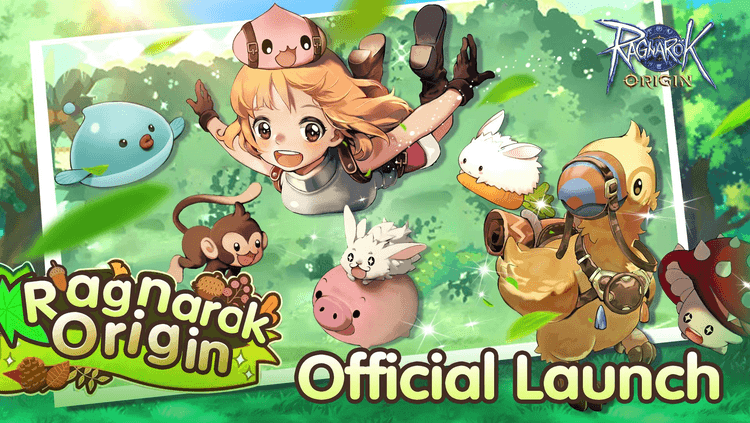
Ragnarok Origin Top-Up Guide for New Players
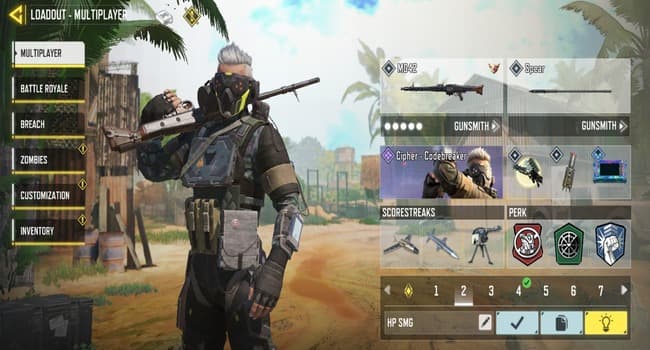
Best Mobile Games to Top Up Using GCash in PH

How to Build Your First Team in Honor of Kings & Find Discounted Top Up

Wuthering Waves 3.0 Update Guide: Lynae, Mornye, Release Date & Top-Up Tips